
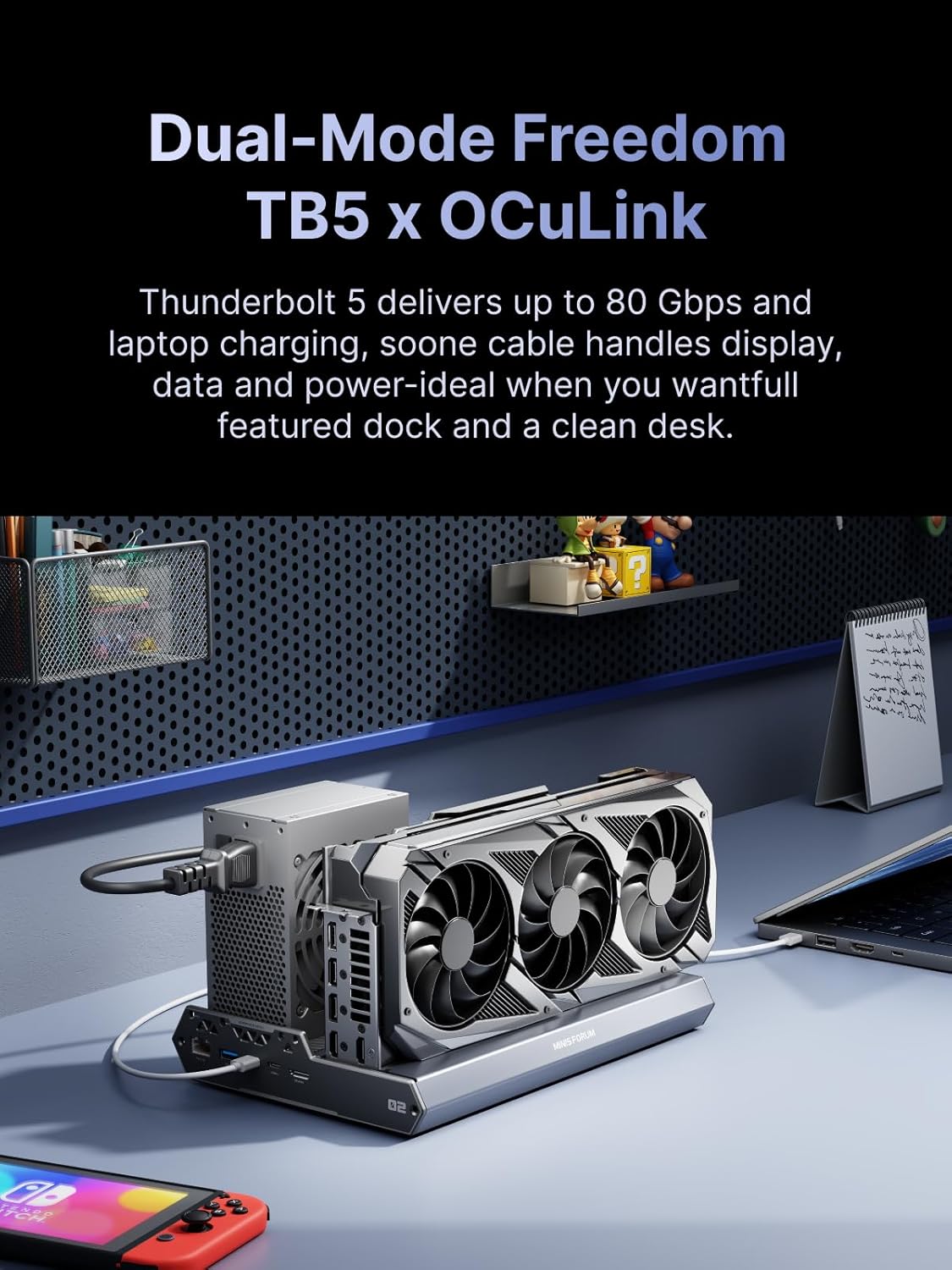
MINISFORUM DEG2 eGPU Dock
External GPU Dock สำหรับ Mini PC / Laptop | High Performance eGPU Solution
MINISFORUM DEG2 คือ eGPU Dock (External GPU Dock) สำหรับผู้ใช้ Mini PC / Laptop ที่ต้องการเพิ่มพลังกราฟิกระดับการ์ดจอแยก เหมาะกับงานหนักและเกม 🎮💻
MINISFORUM DEG2 is an External GPU Dock designed for Mini PC and Laptop users who need desktop-level graphics performance for heavy workloads and gaming.
🔧 คุณสมบัติหลัก | Key Features
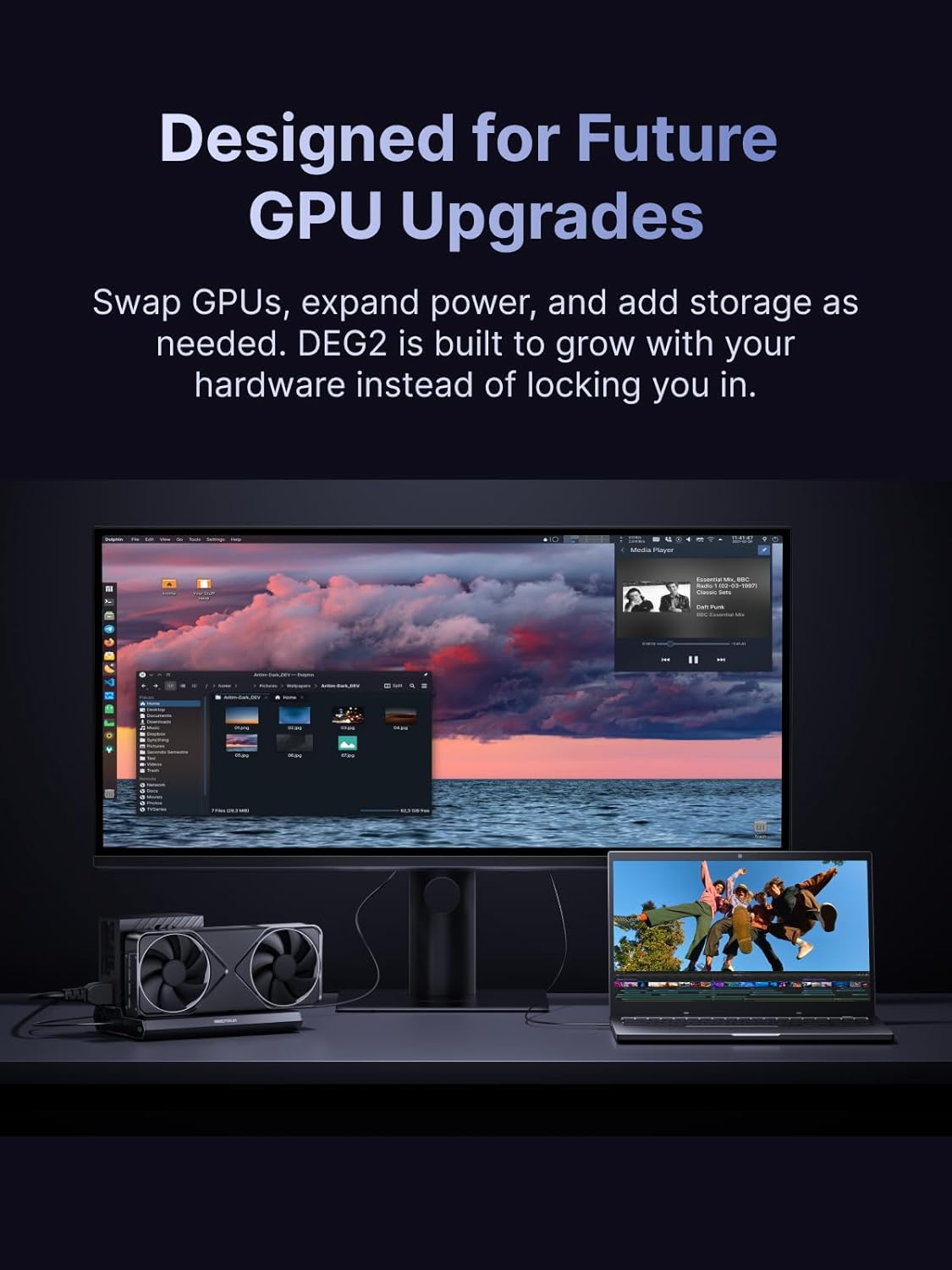
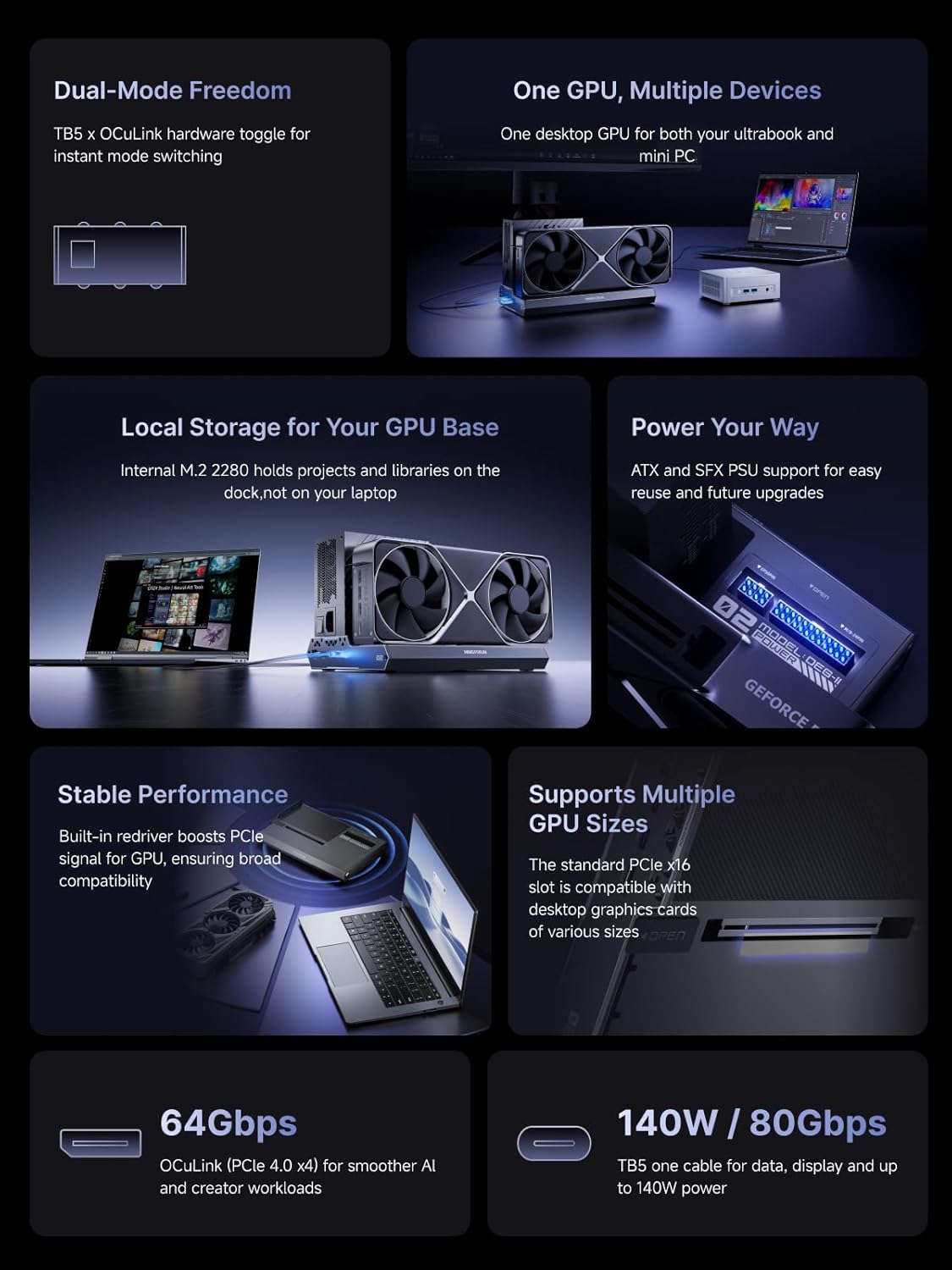
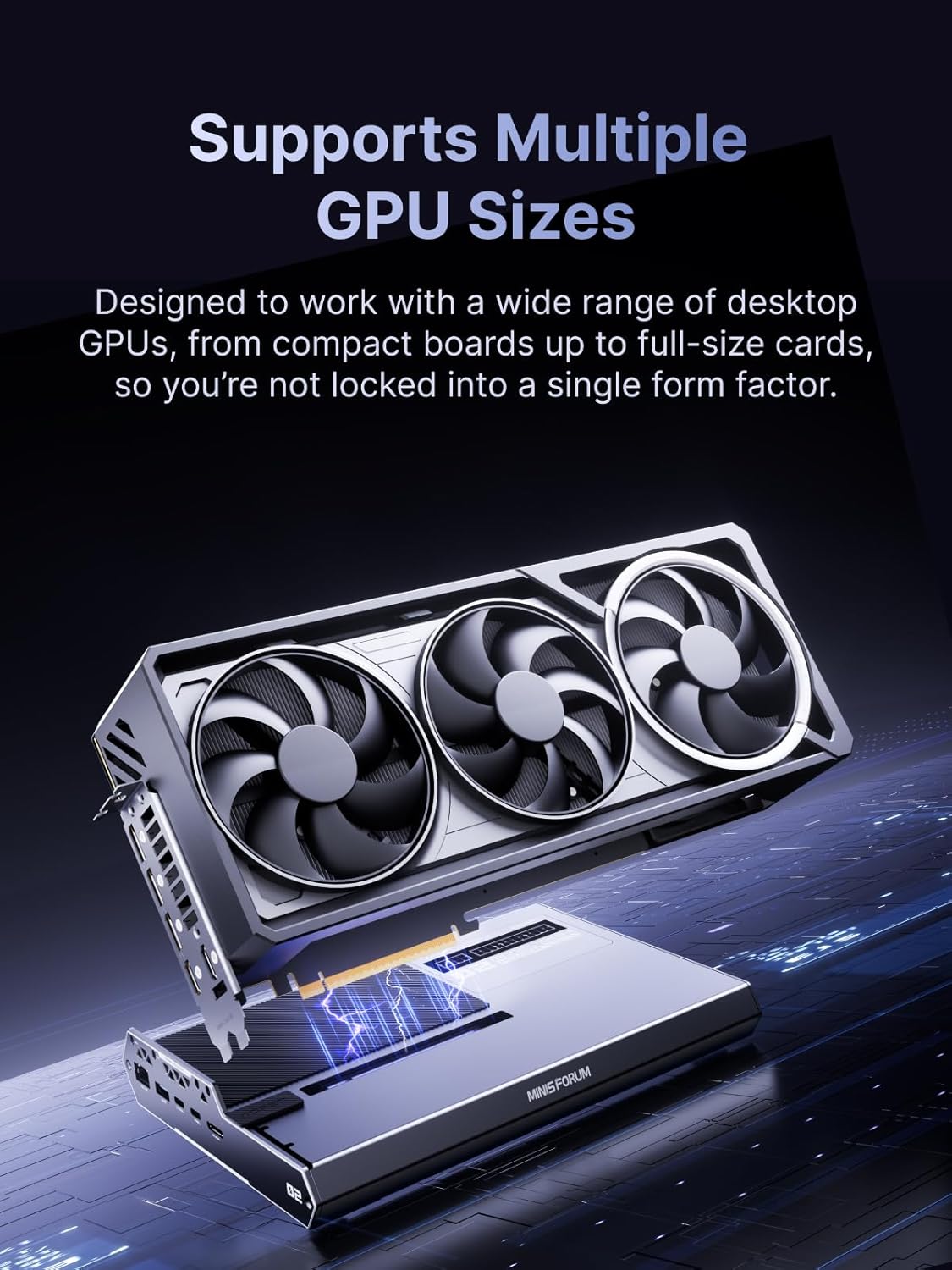
🎮 รองรับการ์ดจอแยก (Desktop GPU)
- รองรับการ์ดจอ NVIDIA / AMD ขนาดมาตรฐาน (PCIe x16)
- รองรับการ์ดจอขนาดใหญ่ (Full-size / Triple-slot แล้วแต่รุ่นการ์ด)
- Supports standard NVIDIA / AMD desktop GPUs (PCIe x16)
- Supports full-size and triple-slot graphics cards
⚡ การเชื่อมต่อความเร็วสูง
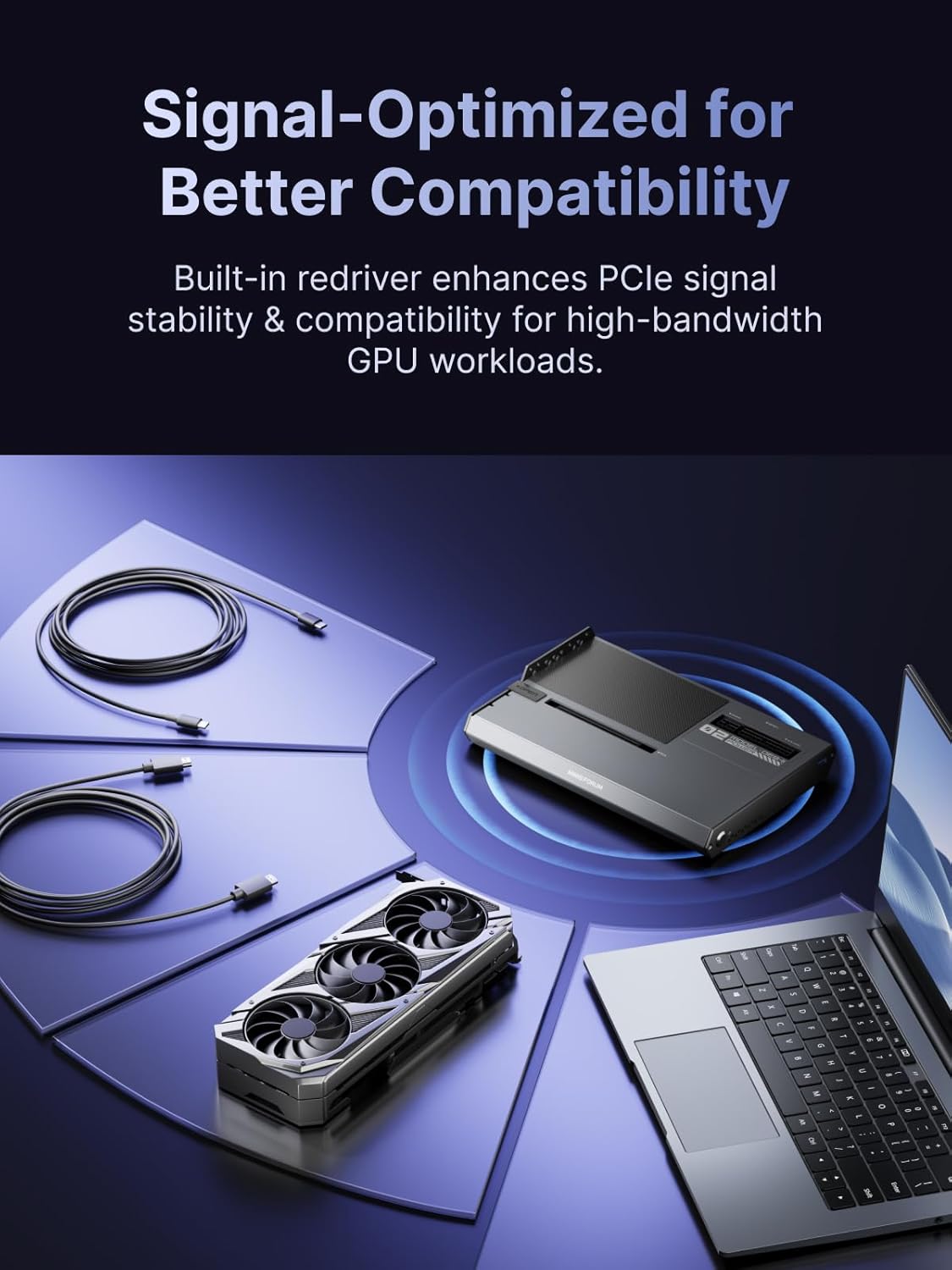
- เชื่อมต่อผ่าน OCuLink (PCIe 4.0 x4)
- ให้ประสิทธิภาพสูงกว่า Thunderbolt eGPU อย่างชัดเจน
- Latency ต่ำ เหมาะกับเกมและงานเรนเดอร์
- OCuLink (PCIe 4.0 x4) high-speed connection
- Higher performance than Thunderbolt eGPU
- Low latency for gaming and rendering
🚀 ประสิทธิภาพใกล้เคียง Desktop
- รีดพลัง GPU ได้ดีกว่า eGPU แบบ Thunderbolt
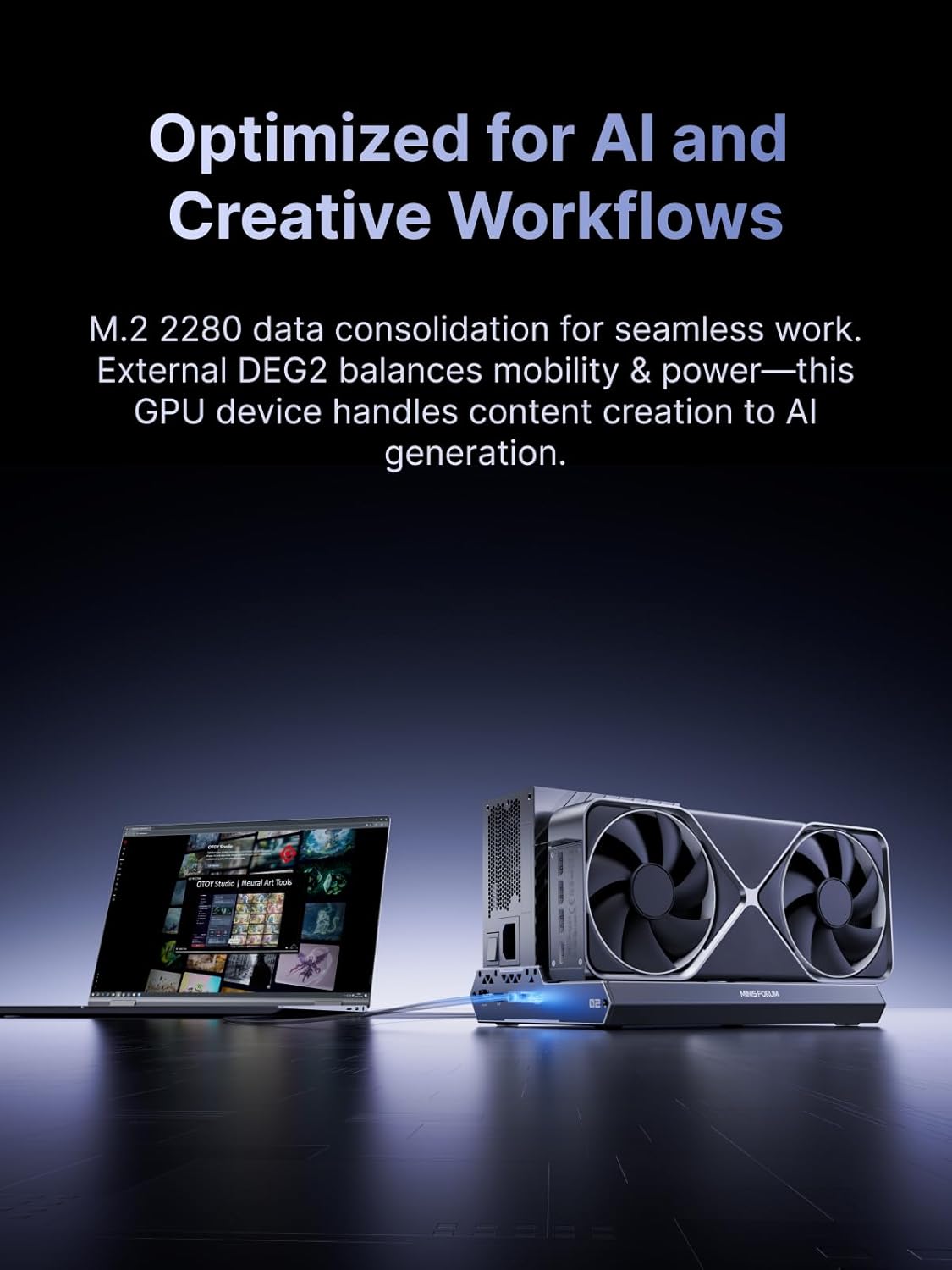
- เหมาะกับ AI, 3D Rendering, Video Editing, Gaming
- Delivers near-desktop GPU performance
- Ideal for AI, 3D rendering, video editing, and gaming
🖥️ ออกแบบเพื่อ Mini PC โดยเฉพาะ
- ใช้งานร่วมกับ MINISFORUM รุ่นที่รองรับ OCuLink
- เช่น MS-01, UM series บางรุ่น ฯลฯ
- เสียบการ์ดจอ → ต่อสาย OCuLink → เปิดเครื่อง
- รองรับ Windows และ Linux (ขึ้นกับไดรเวอร์)
- Designed for OCuLink-enabled Mini PCs
- Plug GPU → connect OCuLink → power on
- Supports Windows and Linux (driver dependent)
❄️ ระบบระบายความร้อน
- โครงสร้างเปิดโล่ง ระบายความร้อนได้ดี
- เหมาะกับการใช้งานต่อเนื่องยาว ๆ
- Open-frame design for maximum airflow
- Ideal for long-duration workloads
DEG2 Specification
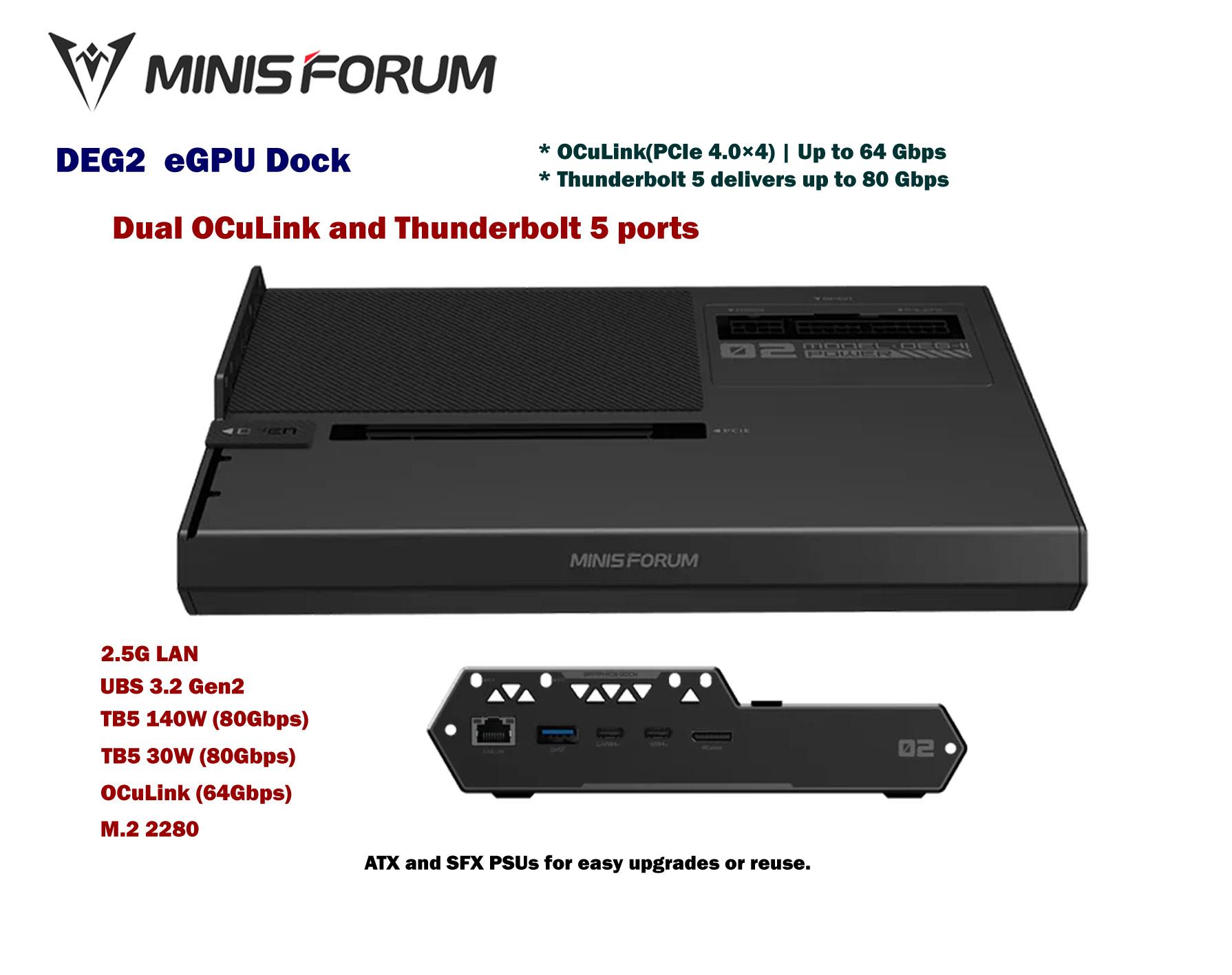
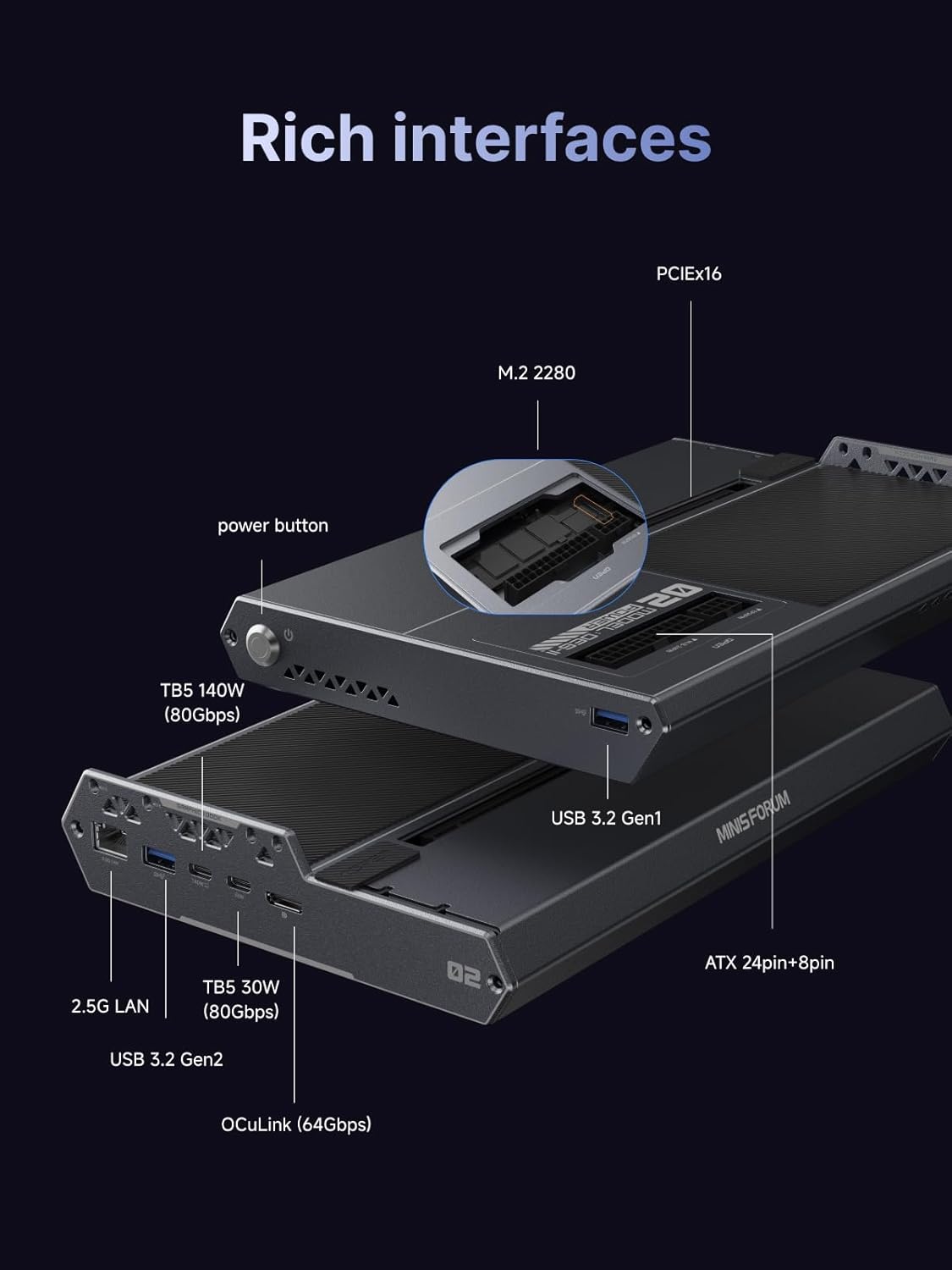
| Platform / Controller | Intel JHL9480 (Thunderbolt 5 / OCuLink Controller) |
| GPU Slot | PCIe x16 (PCIe 4.0 x4 link) รองรับการ์ดจอเดสก์ท็อปเต็มขนาด / High TDP |
| OCuLink Port | 1 × OCuLink (PCIe 4.0 x4 ~64Gbps) |
| Thunderbolt 5 | 2 × Thunderbolt 5 / USB4 V2 • 1 × Upstream (PD สูงสุด 140W) • 1 × Downstream (PD 30W) |
| USB Ports | • USB 3.2 (10Gbps) • USB 3.2 (5Gbps) |
| LAN | 1 × 2.5Gb Ethernet (RJ-45) |
| M.2 Slot | 1 × M.2 2280 (รองรับ SSD + Heatsink) |
| Switch / Control | • OCuLink ↔ TB5 Switch • TGX / Auto Start / Reset / Debug Buttons |
| LED | Power Status LED |
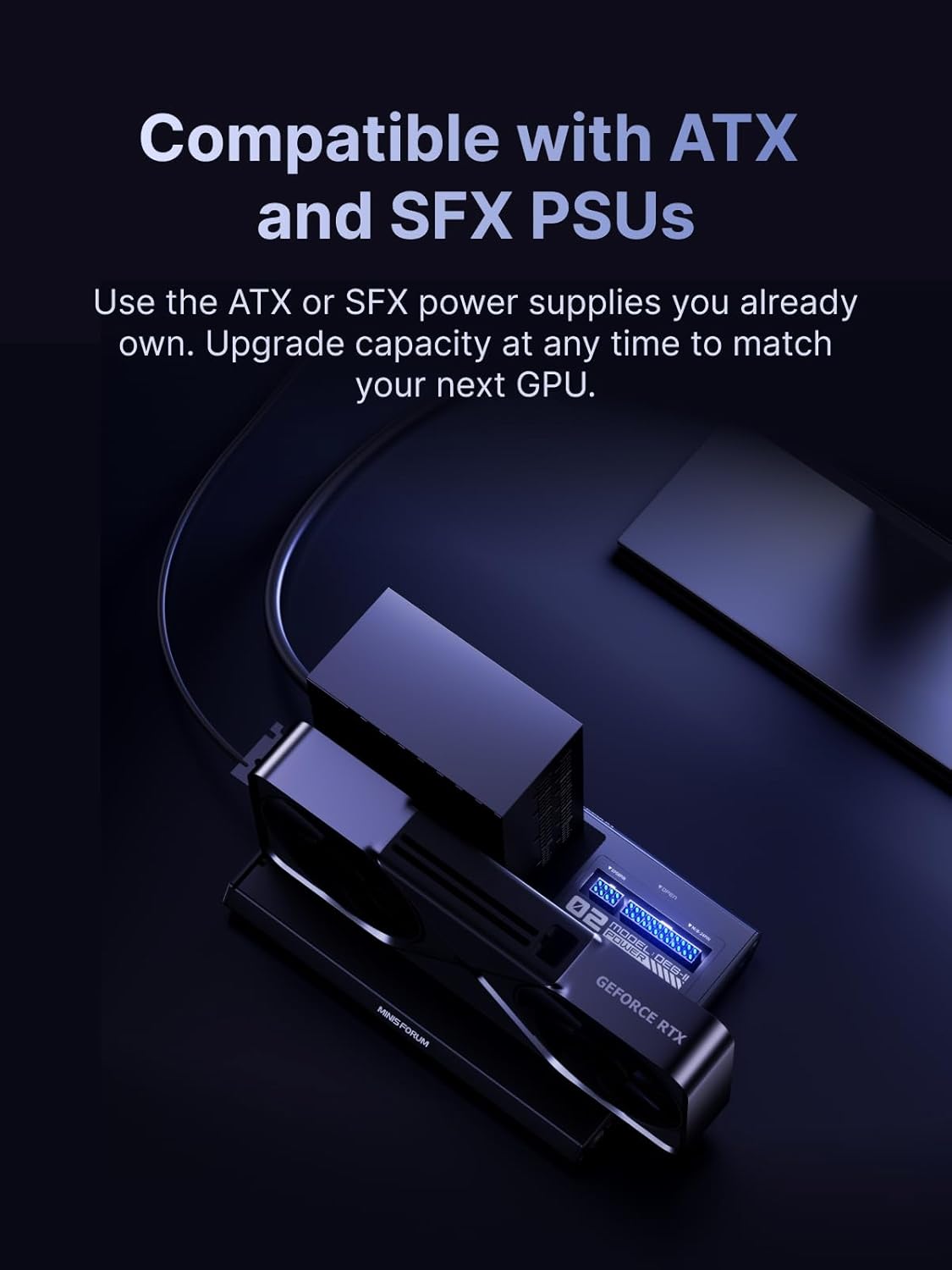
| Power Supply | รองรับ ATX / SFX PSU (ไม่มี PSU ในตัว) |
| Dimension | 258.9 × 174.17 × 42.75 mm |
| Other Features | • Auto Power-On • รองรับการติดตั้ง SSD ภายในสำหรับเก็บไฟล์/โมเดล |
| In the Box | • สาย OCuLink • สาย Type-C • ฮีทซิงก์ SSD • ตัวรองการ์ดจอ • ชุดสกรู + คู่มือ |
OCuLink vs Thunderbolt eGPU
เปรียบเทียบประสิทธิภาพ eGPU | eGPU Performance Comparison
OCuLink และ Thunderbolt เป็นเทคโนโลยีที่ใช้เชื่อมต่อ eGPU แต่ให้ประสิทธิภาพและประสบการณ์ใช้งานที่แตกต่างกันอย่างชัดเจน
OCuLink and Thunderbolt are both used for external GPU connections, but they deliver very different levels of performance and latency.
| หัวข้อ Category |
OCuLink | Thunderbolt (TB3 / TB4 / TB5) |
|---|---|---|
| Bandwidth | PCIe 4.0 x4 (~64Gbps) | ~40Gbps (TB3/4), สูงสุด ~80Gbps (TB5) |
| Latency | ต่ำมาก (Near-native PCIe) | สูงกว่า (มี overhead จาก protocol) |
| GPU Performance | ใกล้ Desktop 90–95% | ประมาณ 70–85% |
| Gaming | ลื่นกว่า FPS สูงกว่า | FPS ลดลงในบางเกม |
| AI / Rendering | เหมาะมาก (Full GPU Utilization) | มีคอขวดบางงาน |
| Plug & Play | ต้องมีพอร์ตเฉพาะ | ใช้งานง่ายกว่า (USB-C) |
| Compatibility | เฉพาะเครื่องที่รองรับ OCuLink | Laptop ทั่วไปใช้ได้ |
| Best For | Gaming, AI, Workstation | ใช้งานทั่วไป, พกพา |
📊 สรุป | Summary
OCuLink: เหมาะสำหรับคนที่ต้องการ “แรงสุด” ใกล้ Desktop มากที่สุด
OCuLink: Best choice if you want maximum performance close to a desktop GPU.
Thunderbolt: เหมาะกับความสะดวก ใช้งานง่าย รองรับหลายเครื่อง
Thunderbolt: Best for convenience and wide compatibility.
👉 ถ้าคุณเน้นแรง → เลือก OCuLink
👉 If performance matters → choose OCuLink
Reviews
There are no reviews yet.